BLUESTACKS AUTOMATION CONTROL CENTER

Forge Master Game Assistant

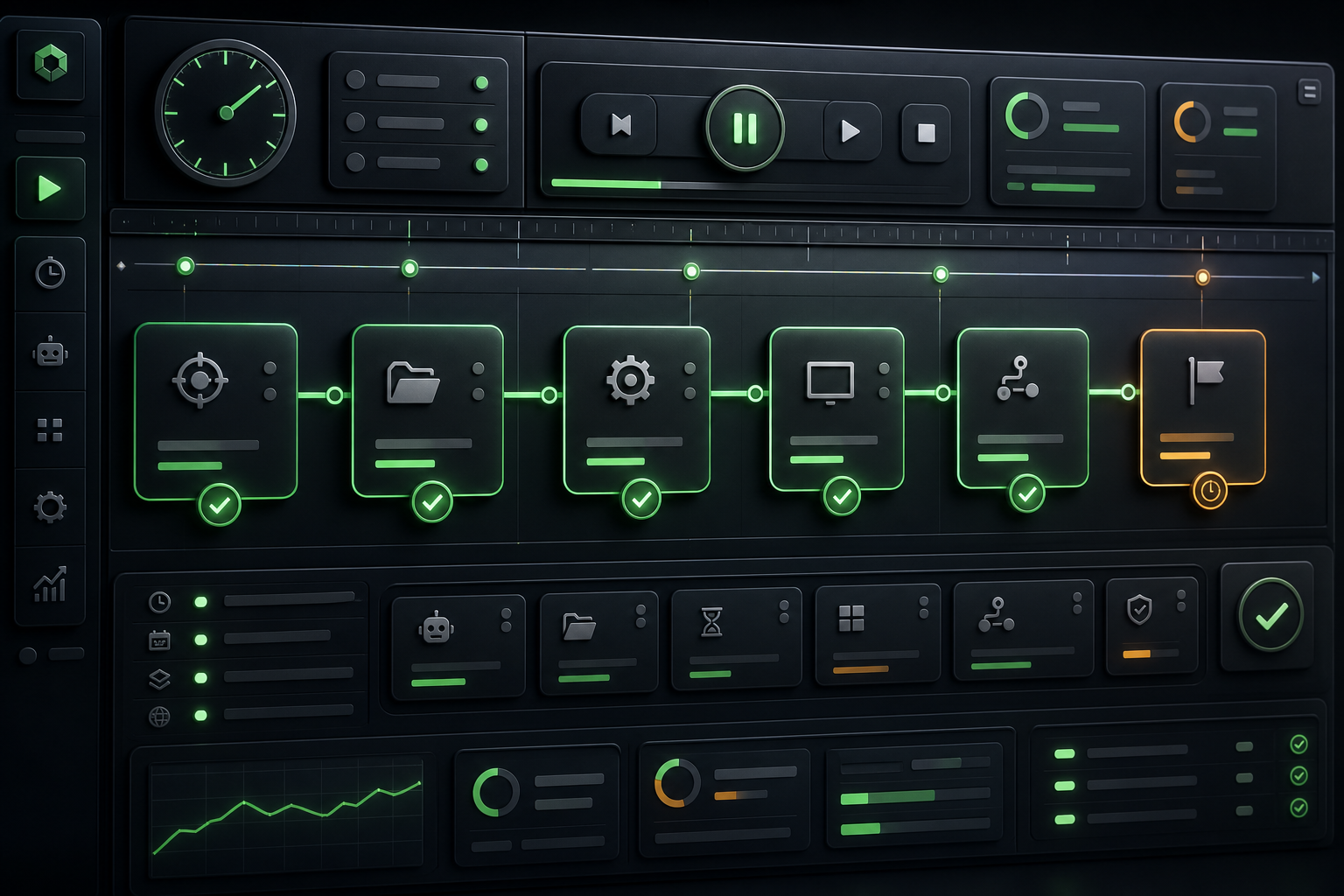
A desktop assistant for Forge Master that manages scheduled workflows, equipment rules and in-game routines from one control panel.

v1.5.0WindowsAccount-bound deliverySingle-device license
Forge Master Game Assistant
GAME ARTWORK - PRODUCT SCREENSHOT PENDING
PRODUCT INFORMATION

Forge Master Game Assistant Overview

COMPATIBILITY

  • Windows 10 or Windows 11 (64-bit)
  • BlueStacks 5 with a working ADB connection
  • At least 4 GB RAM; 8 GB recommended
  • Desktop resolution of 1280 x 720 or higher
  • Internet connection and an active CruzeMedya license

FEATURE SCOPE

  • Smart automation flow
  • Equipment protection rules
  • Scheduling and queue
  • Safe interaction boundaries
  • Live game preview
  • Detailed activity log
01 / PRODUCT INFORMATION

Features and usage scope

01

Smart automation flow

Runs reward, auto forge, equipment decision, technology, egg, dungeon and clan steps in sequence.

02

Equipment protection rules

Prevents selected values such as critical chance, critical damage, life steal, double chance and attack speed from decreasing.

03

Scheduling and queue

Shows each task start time, wait duration, last result and next cycle in real time.

04

Safe interaction boundaries

Purchase, ad, gem and skip controls are blocked by default, while critical actions are logged.

05

Live game preview

Monitors the BlueStacks ADB feed inside the panel with connection, screen and automation status in one place.

06

Detailed activity log

Stores executed steps, skipped conditions, failure reasons and timestamps for review.

02 / WORKFLOW

Traceable from start to result

  1. 1Verify the BlueStacks connection
  2. 2Load profile and rules
  3. 3Run the next task on a verified screen
  4. 4Record the result and update the scheduler
03 / SYSTEM REQUIREMENTS

Runtime environment

  • Windows 10 or Windows 11 (64-bit)
  • BlueStacks 5 with a working ADB connection
  • At least 4 GB RAM; 8 GB recommended
  • Desktop resolution of 1280 x 720 or higher
  • Internet connection and an active CruzeMedya license
04 / RELEASE STATUS

Release file pending

Secure download opens for licensed accounts after a release is uploaded from the admin panel.

RELEASE PENDING